 Claude
d2273017fd
Claude
d2273017fd
Auto-Enhance (Image menu):
  POST /api/enhance — gray-world white balance, CLAHE contrast on L channel,
  saturation boost ×1.15 in HSV, unsharp mask; all blended by strength slider
  Frontend: strength selector (25/50/75/100%), keep-original option

Extract Color Palette (Image menu):
  POST /api/extract-colors — k-means on 150×150 thumbnail, returns N dominant
  colors sorted by cluster size. Frontend: floating swatch panel, click=copy
  hex, shift+click=set as active color, toggle on/off.

History Panel (Edit menu, Ctrl+H):
  Pure frontend — reads app.State.action_history and action_history_index,
  renders clickable list of past actions (newest first), click any step to
  undo/redo to that point. Auto-refreshes every 800ms while open.

Align to Canvas (Layer menu):
  Floating toolbar with 7 alignment buttons: center H, center V, center both,
  align left/right/top/bottom edges. Uses Update_layer_action for undo support.

Add Text (Generate menu):
  6 styled presets (Heading, Subheading, Body, Caption, Quote, Bold Label)
  shown as live-rendered previews in the dialog. Click a preset to insert a
  text layer with the correct font/size/weight/color pre-applied.

https://claude.ai/code/session_01B58MaJCU1R6KwBDJCp8AfN
miniPaint
Online image editor lets you create and edit images using HTML5 technologies. No need to buy, download, install, or have outdated flash. No ads. Key features: layers, filters, open source Photoshop alternative.
miniPaint operates directly in the browser. You can create images by pasting from the clipboard (ctrl+v) or uploading from the computer (using menu or drag & drop). Nothing will be sent to any server. Everything stays in your browser.
URL:
https://viliusle.github.io/miniPaint/
Preview:
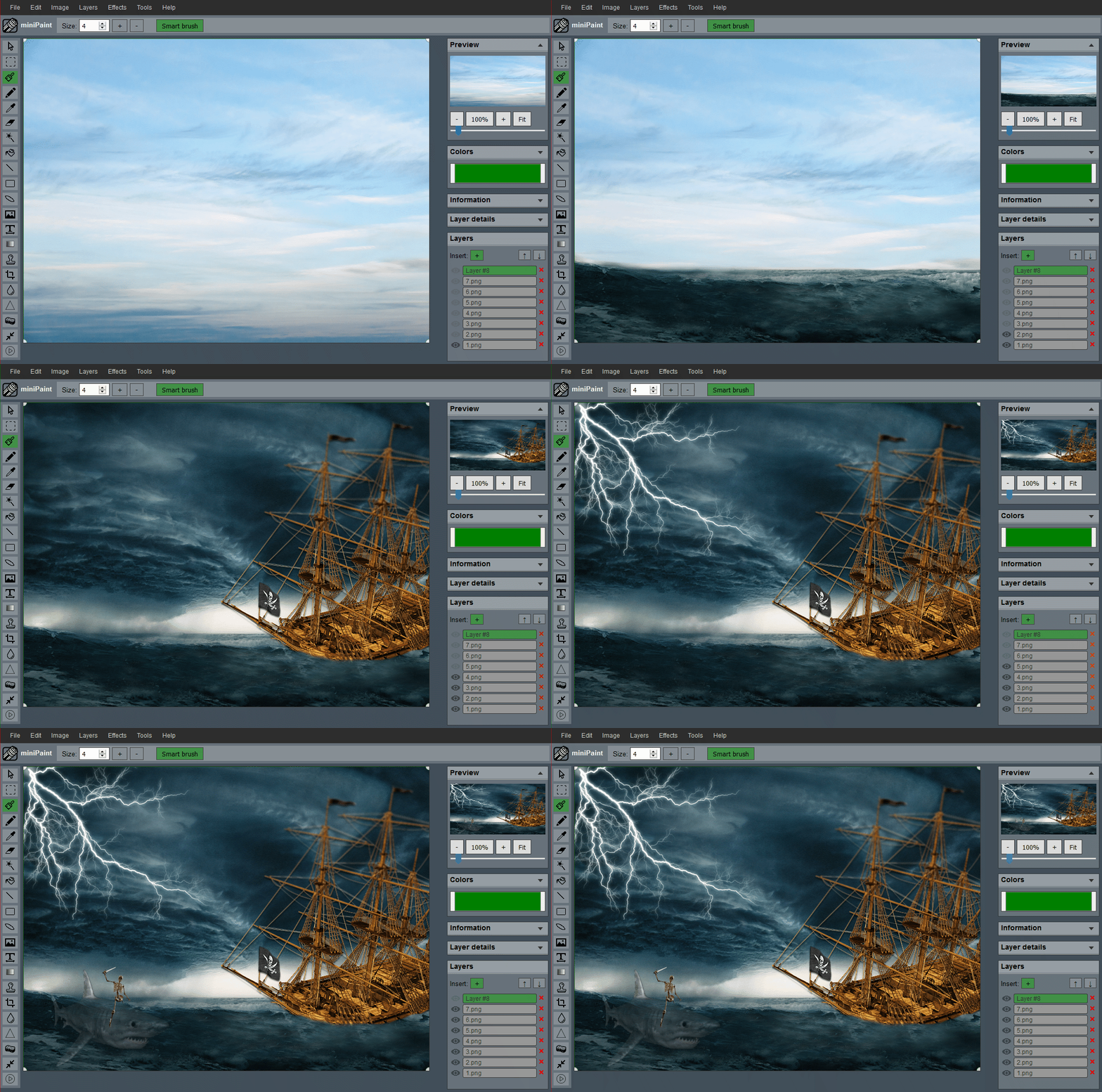 (generated using miniPaint)
Change log: /miniPaint/releases
Browser Support
- Chrome
- Firefox
- Opera
- Edge
- Safari
- Yandex
Features
Files: open images, directories, URLs, data URLs, drag and drop, save (PNG, JPG, BMP, WEBP, animated GIF, TIFF, JSON (layers data), print.
Edit: undo, cut, copy, paste, selection, paste from the clipboard.
Image: information, EXIF, trim, zoom, resize (Hermite resample, default resize), rotate, flip, color corrections (brightness, contrast, hue, saturation, luminance), automatic color adjustment, grid, histogram, negative.
Layers: multi-layer system, differences, merging, flattening, transparency support.
Effects: black and white, blur (box, gaussian, stack, zoom), bulge/pinch, denoise, desaturation, dither, dot screen, edge, emboss, enrich, gamma, grains, grayscale, heatmap, jpg compression, mosaic, oil, sepia, sharpen, solarize, tilt shift, vignette, vibrance, vintage, blueprint, night vision, pencil, also instagram filters: 1977, aden, clarendon, gingham, inkwell, lo-fi, toaster, valencia, x-pro ii.
Tools: pencil, brush, magic wand, eraser, fill, color picker, letter, crop, blur, sharpener, desaturation, clone, borders, sprites, keypoints, color zoom, change color, restore transparency, content fill.
Help: keyboard shortcuts, translation.
Embed
To embed this app on another page, use the following HTML code:
<iframe style="box-sizing:border-box; width:100%; height:100vh;" id="miniPaint" src="https://viliusle.github.io/miniPaint/" allow="accelerometer; autoplay; clipboard-write; encrypted-media; gyroscope; picture-in-picture; web-share" allowfullscreen></iframe>
Build instructions
Wiki
See Wiki
Contributors
License
MIT License
Support
Please use the GitHub issues for support, feature requests and bug reports, or contact us by sending an email to www.viliusl@gmail.com.